Zevis
by ZelixLabs
WhatsApp templates
Create Meta-compliant WhatsApp templates faster
Describe what you want. Zevis writes the message, creates the image, and checks it against Meta's rules before you submit.
Less rewriting, fewer rejections, and a whole follow-up sequence built as a set.
How it lands on your customer's phone.
What businesses make with it
Zevis reads your website, learns your services and outlets, and writes messages that sound like you.
Offers get a square picture, reminders a landscape one, and every example below uses a different house style. An account picks one style and keeps it, so all of its messages look like they came from the same place.
Bloom Dental Studio
Dental clinic
One reply to book. No form, no phone queue.
Bloom Dental Studio
Dental clinic
Nobody misses an appointment because it sat unread in an inbox.
Lustre Hair Bar
Hair salon
A slot held for them, in the app they already use all day.
Lustre Hair Bar
Hair salon
The change lands where they will actually see it.
Pivot Dance Academy
Dance studio

Term dates and the offer together, without hunting the website.
Waverley Swim School
Swim school
A place they wanted, offered before it goes to someone else.
Two kinds of message. One place to make them.
Reminders people expect. Offers they chose. Meta treats the two differently, and so does Zevis.
Apex Auto Detailing
Car detailing

The branch, the length and the offer. Nothing left to ask.
Apex Auto Detailing
Car detailing
No wondering whether the car is ready.
Bright Path Learning
Tuition centre

Enough to decide on, short enough to read on the bus.
Bright Path Learning
Tuition centre
Proof of the day and time, in their pocket.
Hearth and Grain
Furnishing showroom

Reads like the shop they know, not a mailshot.
Hearth and Grain
Furnishing showroom
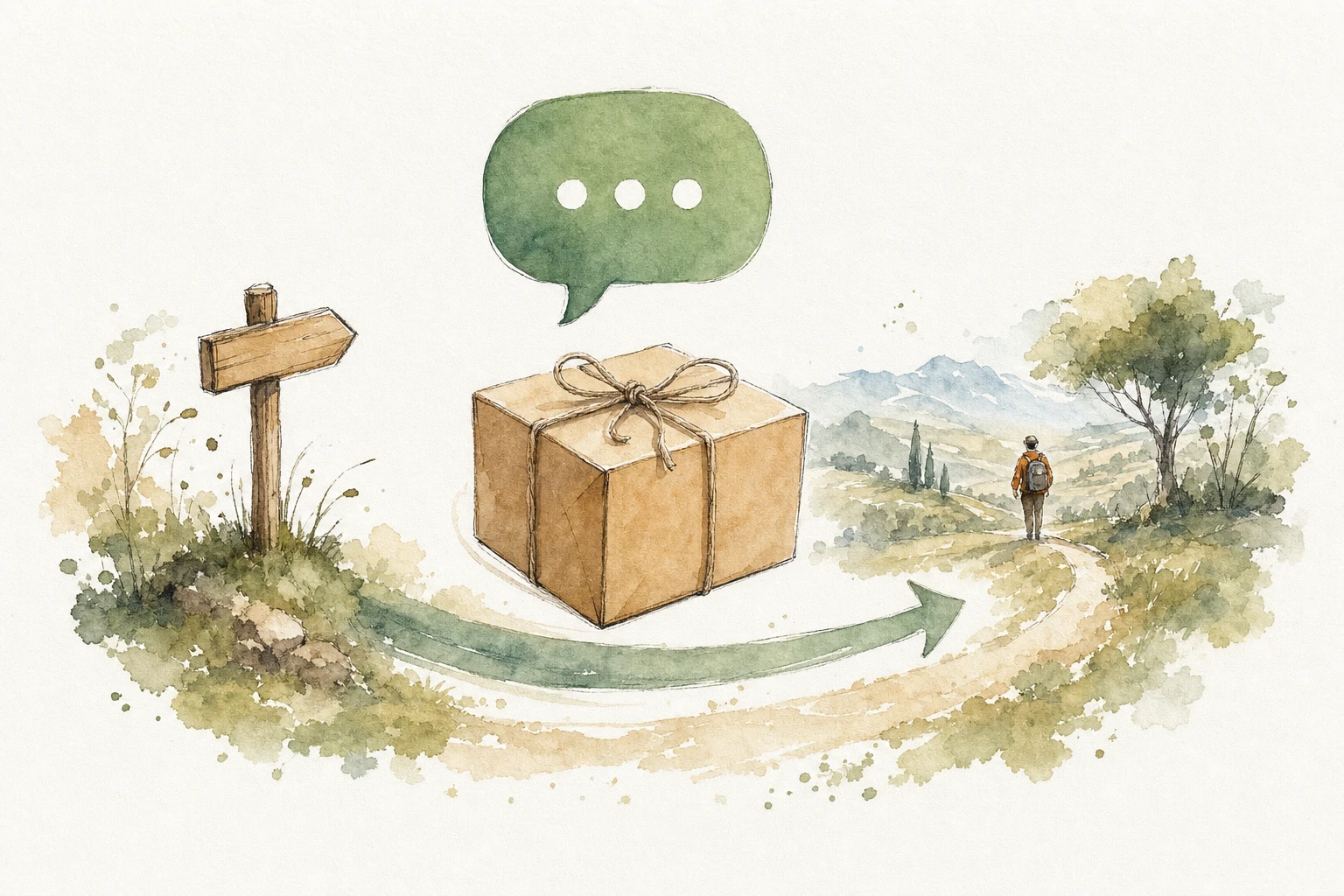
A delivery window they can plan a day around.
Your trade. Your words. Your look.
Zevis reads your website and writes in your voice. One house style, every message.
Ironhouse Fitness
Gym
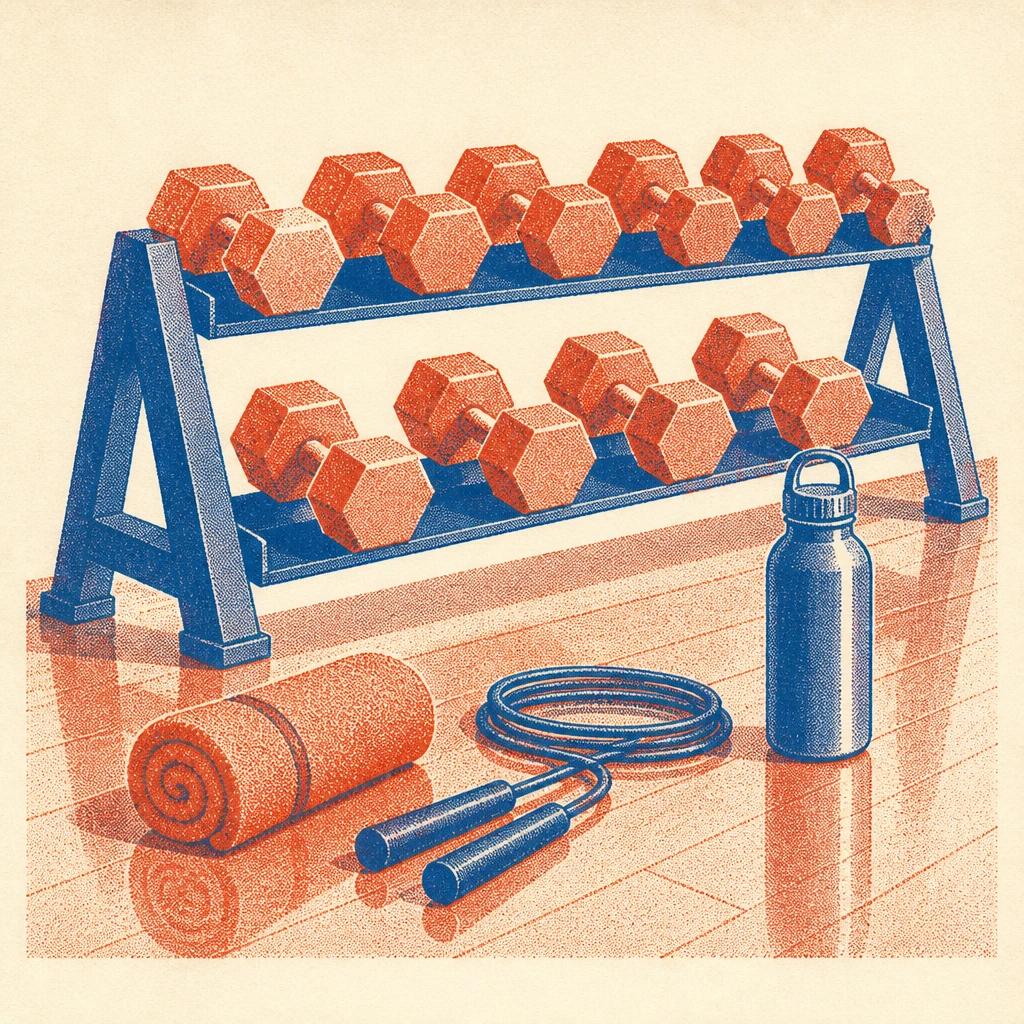
The picture looks like the room they would be training in.
Meridian Physio
Physiotherapy
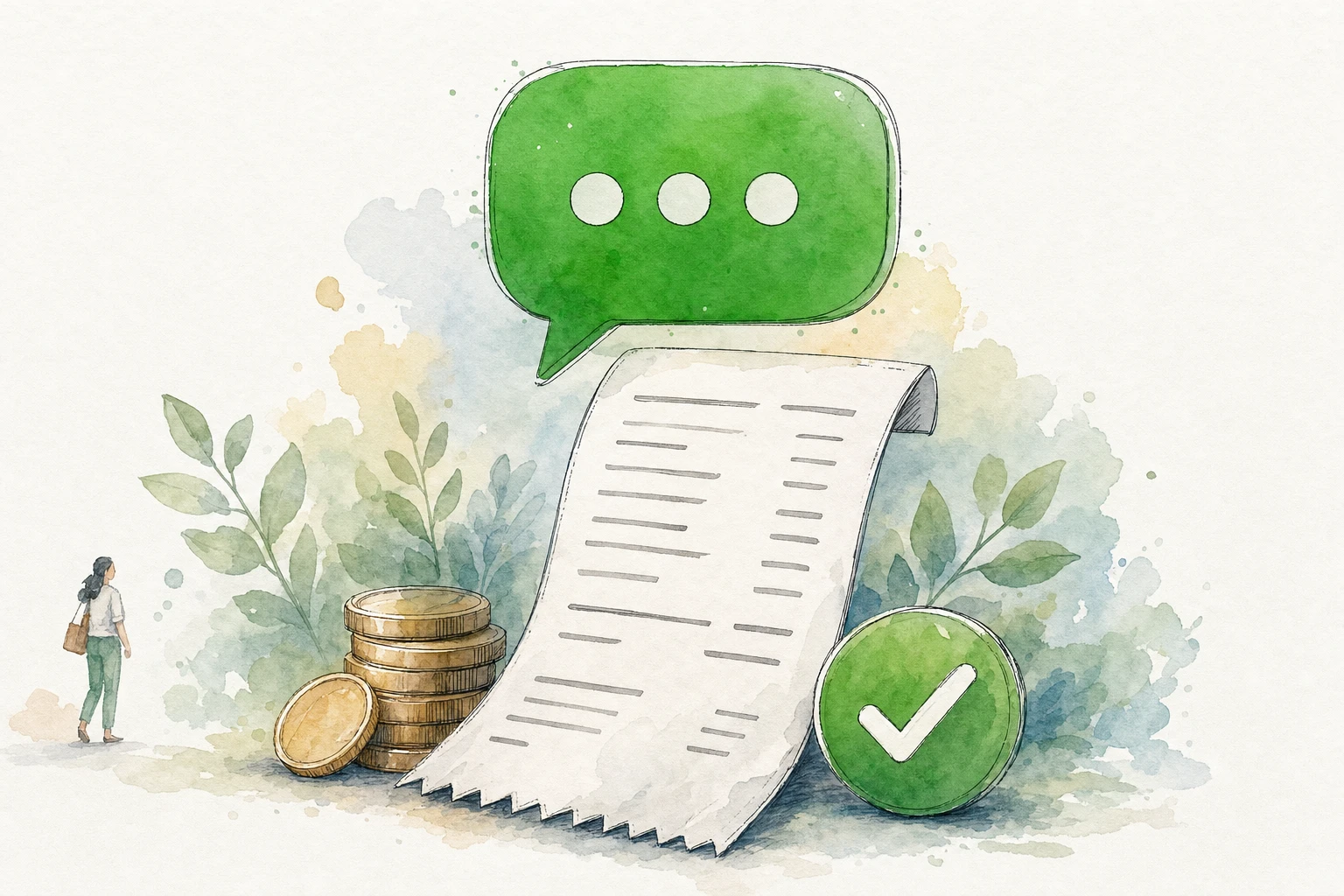
A receipt they can find again, with no paper to keep.
Kopi and Co
Cafe

A table held by replying, not by calling at lunchtime.
Four steps
Saved from the first draft, so a closed tab loses nothing.

What it is for
Say what the message is for, in your own words. Or pick a common one: confirming a booking, reminding someone about tomorrow.
Zevis writes it in your voice, using your real outlets and services.
Message
Change any of it. Mark the parts that change each time, like a customer name or an amount.
Give one example for each. Meta only ever sees the example, never a real customer.


The image
Add a picture at the top, upload your own, or leave it out. Zevis creates it in one of eleven house styles.
One style for the whole account, so every message looks like it came from the same place.


Send for approval
Send it to Meta. Nothing reaches a customer yet.
Go to one WhatsApp number or several. Each one gets its own answer back.
What we check before Meta sees it
A rejected message costs you a day. Zevis checks as you type, and checks again when you send it.
An example for each changing part
Meta needs to see what goes in the gap. A name, a date, an amount.
Never start or end on a name
Meta rejects a message that opens or closes on a changing part. Put your own words around it.
Enough of your own words
Five of your words for every part that changes. Too many gaps and Meta says no.
A picture or a title, not both
The top of a message takes one or the other.
Keep the top and bottom short
Sixty characters each. Neither can hold a changing part.
Offers need a way to stop them
Anything you are selling needs a line telling people how to opt out. One tap adds it.
Not too long
Past Meta's limit is an error. Past 550 characters is a warning, because it reads long on a phone.
No long dashes
Swapped for a comma or a full stop. Our rule, not Meta's.
One warning we will not hide. A picture on a reminder can make Meta think you are selling something. It then costs more to send, and the type is locked, so you cannot change it later. Zevis says so before you do it. Meta has the final say on every message.
Then Meta decides
- Meta reads it. Minutes, sometimes up to a day.
- Zevis looks every fifteen minutes and records the answer.
- Approved: you get an email showing the message exactly as it will land.
- Rejected: Meta's reason sits next to it. Fix it and send again.
- One thing left by hand: press Sync Templates in respond.io.
Sent to several WhatsApp numbers, each one carries its own answer and its own retry.
A whole follow-up sequence at once
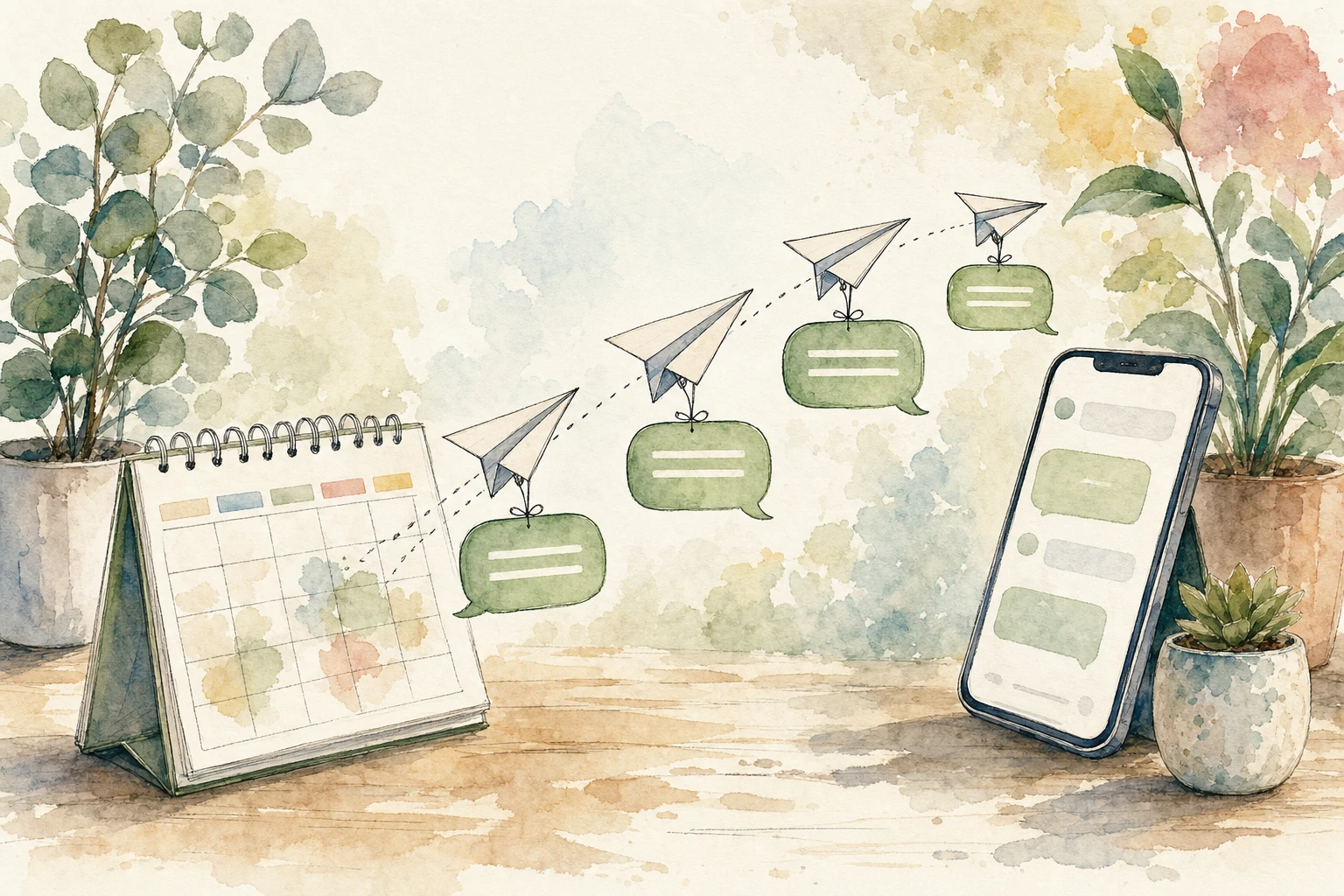
Pick a cadence. Zevis writes every message in it, creates the images, and sends the whole set for approval together. Review them side by side before any of it goes.
Quote chase
Day 1, 3 and 7. While the decision is still warm.
Standard chase
Day 3, 5, 7 and 21. Three touches in the first week, one at three weeks.
Long nurture
Day 7 to 90. Stays present for three months without crowding.
Review requests
Day 1 and 4 after the job, while it is fresh.
Referral ask
Day 7 and 30. Turns happy customers into introductions.
Quote chase, for Apex Auto Detailing
People you sent a quote to and are still deciding.
Day 1
Day 3

Day 7

Trial follow-up, for Pivot Dance Academy
Families who came for a trial class.
Day 1

Day 4

Day 10

The wording softens as the sequence goes on, and the last message always leaves the door open. Every step gets its own picture, in the one style that business uses.
- Enrols the right people on your rules, without anyone adding them.
- Sends inside your hours, never outside them.
- Someone replies and the sequence stops, so a person takes over.
- Anyone who asked not to be contacted is skipped.

The rest of Zevis
Messages are what you send. The rest decides when, to whom, and what happened next.

Bookings
Appointments, reminders and no-show notices. Messages already written.

Customers
One record each: their history, their packages, every message sent.


Reports
A daily note of what came in, what was booked and what was paid.
Your WhatsApp account stays yours
You connect your own WhatsApp Business account. Zevis writes and manages messages on it, and sends what you ask it to.
It is your account
Registered to your business, not to ours.
Meta bills you
Meta charges your own card for messages. We do not resell them.
Only what you ask
Your data runs your account and nothing else. Never mixed with another business's.
Leave whenever
Remove our access in your Meta settings. Your messages stay.
A message Zevis did not create is never overwritten. What happens to your data is set out in the privacy policy and the data processing terms.
About Meta and these examples
WhatsApp, Facebook, Instagram, Messenger and Meta are trademarks of Meta Platforms, Inc. Zelix Labs Pte Ltd is an independent company. It is not endorsed by or sponsored by Meta Platforms, Inc., it does not act on behalf of Meta, and it does not represent or speak for Meta.
Zevis is a tool that helps a business write its own WhatsApp message templates and submit them to Meta for review. Meta reviews every template and approval is Meta's decision alone. Messages are delivered by Meta under its own terms, and use of the WhatsApp Business Platform is subject to Meta's WhatsApp Business Solution Terms and WhatsApp Business Messaging Policy.
The messages shown on this page are illustrations of what the product produces. The businesses, names, prices and dates in them are invented, and none of them is a real customer record.